Risk & Reward Trading Tool Pro.v2.15
Indicator
1 purchases
Version 1.0, Sep 2025
Windows, Mac
"Risk & Reward Trading Tool Pro.v2.15" uploaded image"Risk & Reward Trading Tool Pro.v2.15" uploaded image"Risk & Reward Trading Tool Pro.v2.15" uploaded image"Risk & Reward Trading Tool Pro.v2.15" uploaded image"Risk & Reward Trading Tool Pro.v2.15" uploaded image"Risk & Reward Trading Tool Pro.v2.15" uploaded image"Risk & Reward Trading Tool Pro.v2.15" uploaded image
11.64M
Traded volume
165.2K
Pips won
42
Sales
4K
Free installs

The latest version is updated at the link below:

https://ctrader.com/products/2100 (cbot)

https://ctrader.com/products/2101 (indicator)


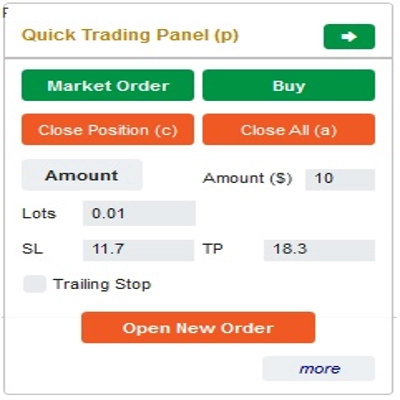
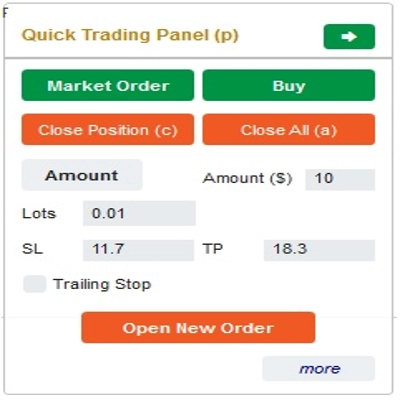
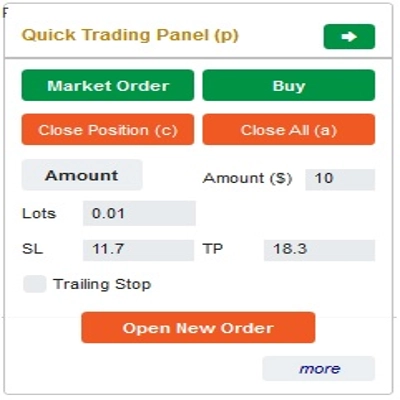
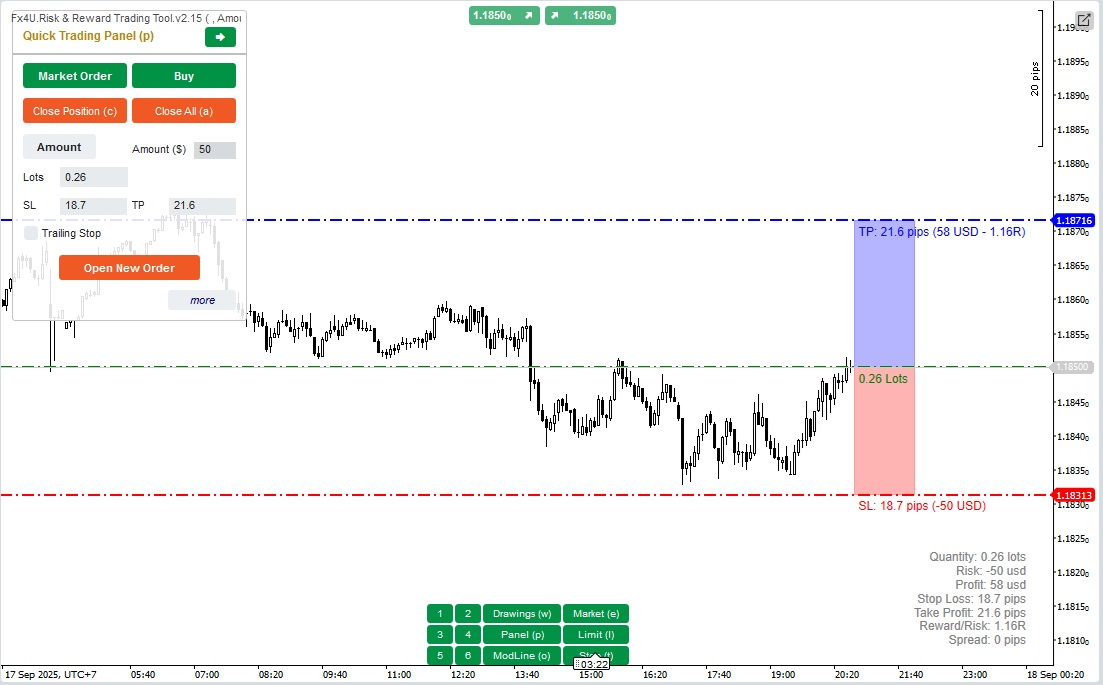
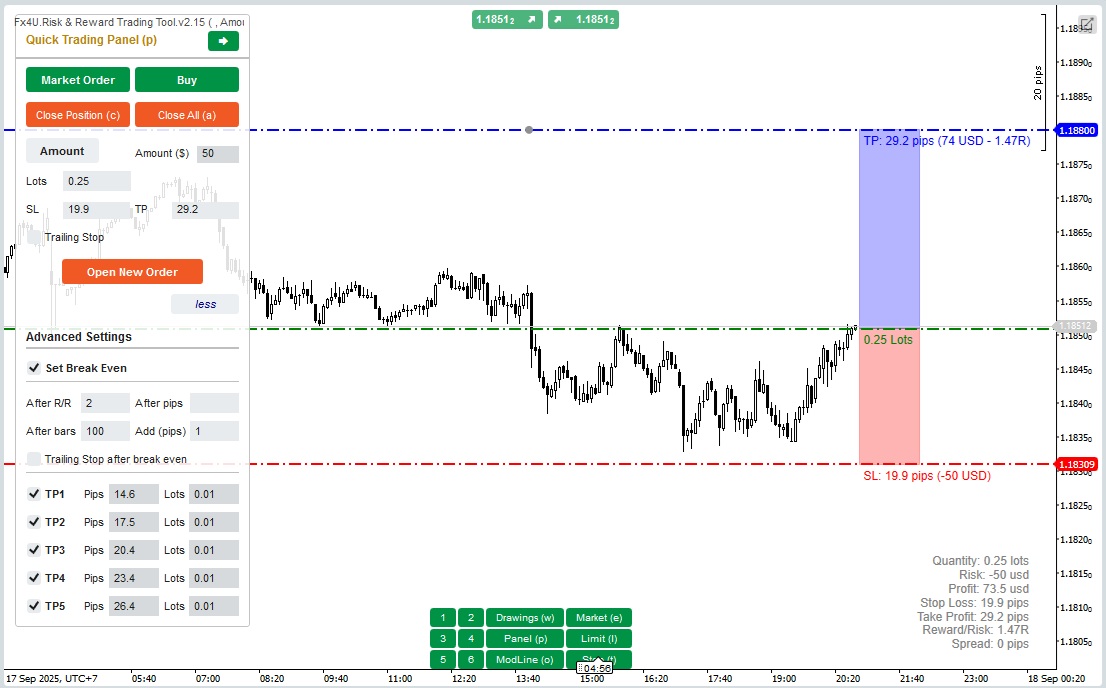
This is a tool to help traders open/close orders/modify orders quickly with just one click. This tool has already calculated the number of Lots based on the amount of risk for each order and the StopLoss you choose. It can work in both Real-time mode for live trading as well as in Backtesting mode to test your strategies.

Important note:

- "Blue buttons" are the status change buttons (Market Order => Limit Order => Stop Order => Market Order; Buy => Sell => Buy)

- "Red buttons" are the "Execution" buttons. => To open an order - use the "Open New Order" button; to close position - use the "Close Position" button or "Close All" button; to Cancel Pending Order - use "Cancel Order" button or "Close All" button.


In “Quick Trading Panel”:

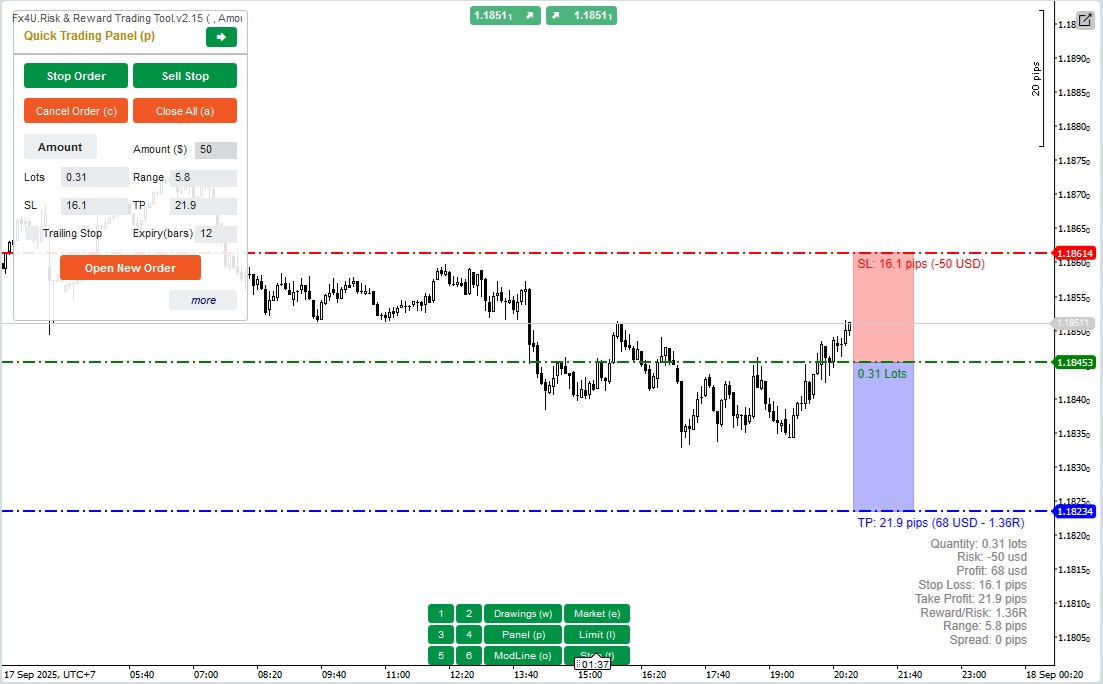
To change between BUY and SELL orders, you can drag the StopLoss line on the chart above or below the Entry Line.

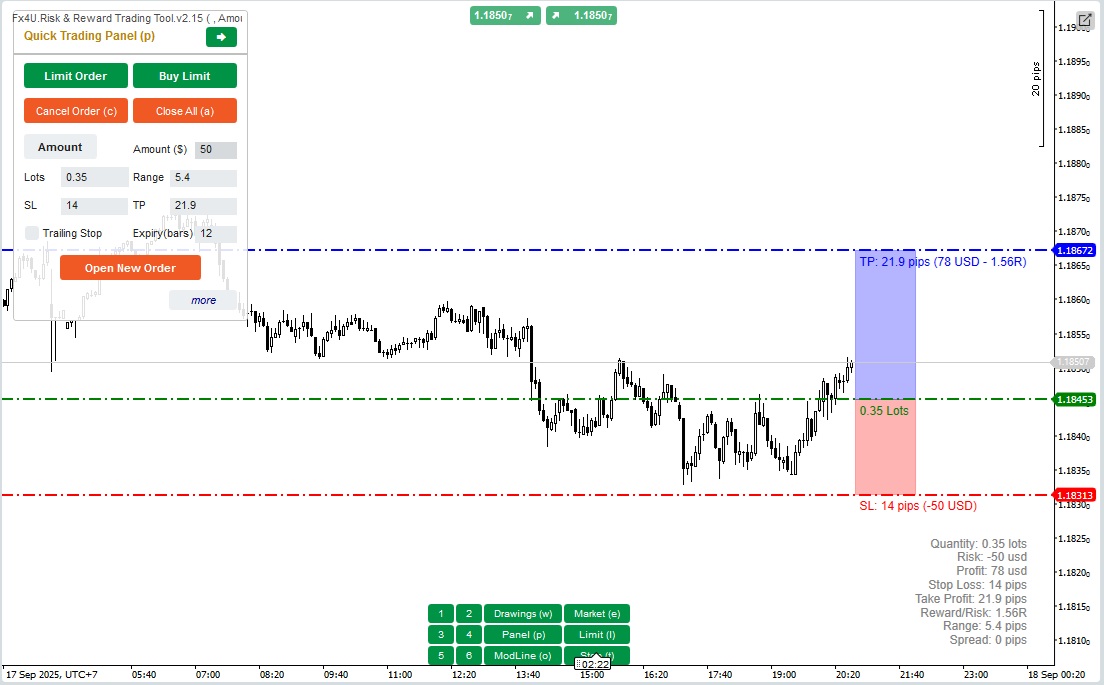
– You can open and close both market orders and Limit orders or Stop orders.

– You can adjust the order amount as %Balance or a fixed order amount for each order. Based on this amount and the StopLoss you choose, the bot will automatically calculate the number of Lots to open the order.

– You can edit StopLoss, TakeProfit or Entry Price (for pending orders) by changing the SL, TP or Range numbers in “Quick Trading Panel” or dragging the horizontal lines on the chart.

– SL, TP and Range (for pending orders) are calculated in Pips, while Expiry(min) is calculated in Minutes (If you don’t use Expiry, leave it as 0 or space)

– There is also an advanced settings section that allows you (Note: Advanced Settings only when the indicator is active):

+ Set "Break Even" when the price moves a certain number of Pips ("After Pips") or when the price moves positive "R/R" times Stoploss ("After R/R") or after the order opens "n" bars ("After Bars")

+ Allows you to "Advanced Take Profit" with 5 levels for you to choose from

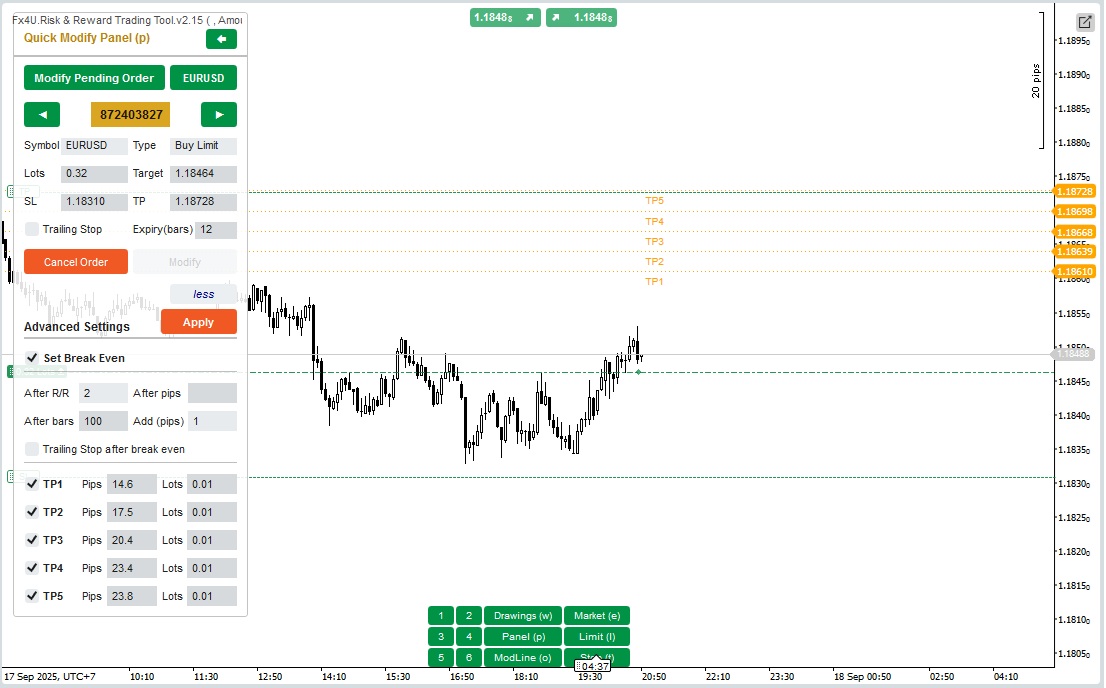
In “Quick Modifying Panel”:

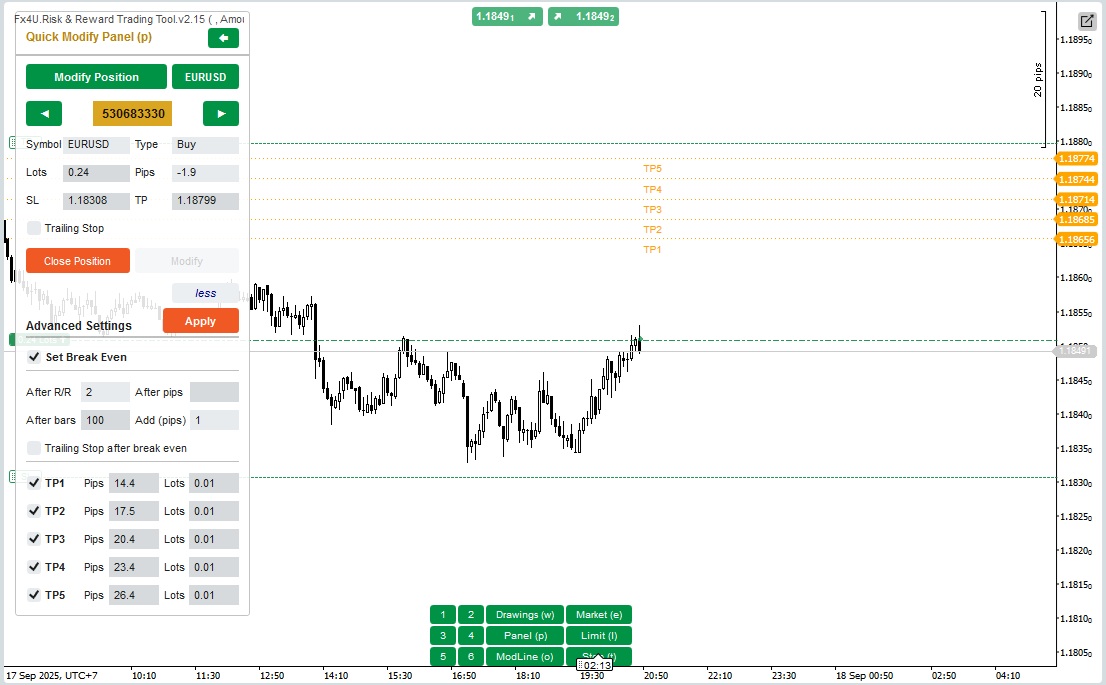
– In this Panel you can close orders or edit order parameters such as StopLoss (in Prices), TakeProfit (in Prices), TrailingStop or Range (in Pips) and Expiry (in Minutes)

(Note that StopLoss and TakeProfit in this panel are the prices you intend to move to)

– In this Panel you can also change StopLoss, TakeProfit or Range(in Pips) by number in the panel or drag the horizontal line on the chart to the desired position.

– You can change back and forth between orders to display the parameters of those orders on the Panel

Note: The number in the yellow rectangle is the ID number of the order being selected for editing

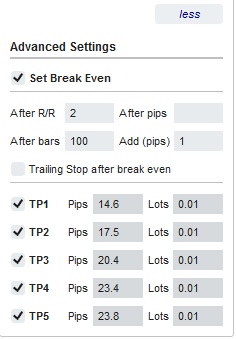
– There is also an advanced settings section that allows you (Note: Advanced Settings only when the indicator is active):

+ Edit the "Break Even" setting when the price moves a certain number of Pips ("After Pips") or when the price moves positive "R/R" times the Stoploss ("After R/R") or after the order opens "n" bars ("After Bars")

+ Edit the "Advanced Take Profit" with 5 levels for you to choose from

Wishing you successful trading!

Indicator profile
0.0
Reviews: 0
Customer reviews
No reviews for this product yet. Already tried it? Be the first to tell others!
XAUUSD
Forex
EURUSD
GBPUSD
Crypto
Products available through cTrader Store, including indicators, plugins and cBots, are provided by third-party developers and made available for informational and technical access purposes only. cTrader Store is not a broker and does not provide investment advice, personal recommendations or any guarantee of future performance.

More from this author

cBot
Forex
Signal
+2
Bot is based on Price Action strategy to open & manage orders. It is effective capital management and high profitability
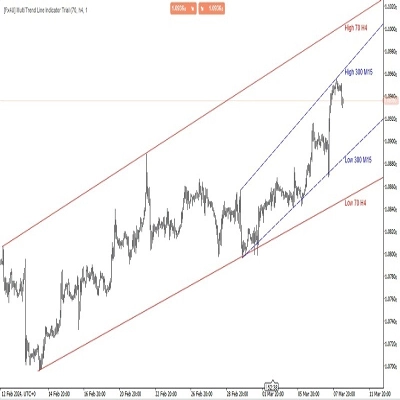
Allow trader to draw multi trendlines in different timeframes on one chart,Give trader an overview of the current market
cBot
Supertrend
Signal
Bot is based on Price Action strategy to open & manage orders. It is effective capital management and high profitability
cBot
XAUUSD
Commodities
+2
XAUUSD Price Action Trading Bot for cTrader – Smart Gold EA with Risk Control, High Profits and High Precision Strategy
17.7%
ROI
1.37
Profit factor
24.71%
Max drawdown
cBot
Signal
Supertrend
Bot is based on Price Action strategy to open & manage orders. It is effective capital management and high profitability
Indicator
Breakout
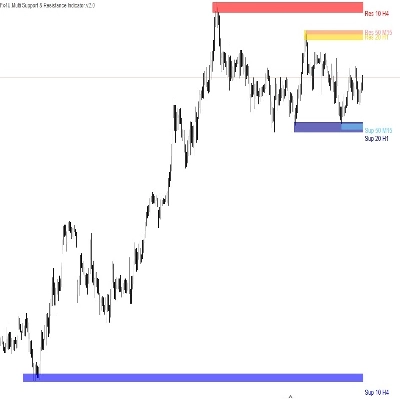
Allow trader to visualize Support & Resistance across different timeframes,give trader an overview of the current market
cBot
Supertrend
Signal
Bot is based on Price Action strategy to open & manage orders. It is effective capital management and high profitability
cBot
XAUUSD
Forex
+4
This is a tool to help traders open orders/close orders/modify orders quickly with just one click
Indicator
Indices
XAUUSD
+4
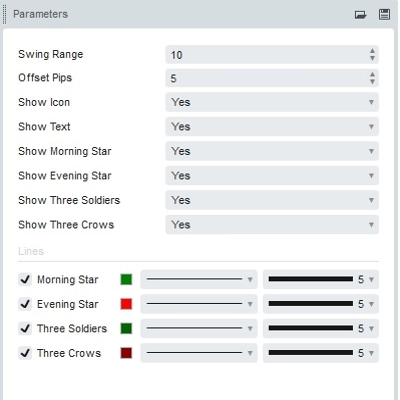
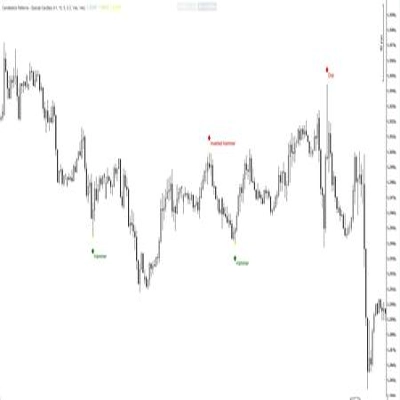
Spot powerful 3-candle reversal patterns like Morning/Evening Star and Soldiers/Crows at key swing highs and lows
Boost your trading with Candlestick Patterns for cTrader – auto-detect key signals for smarter, faster decisions!
cBot
XAUUSD
Forex
+4
This is a tool to help traders open/close orders/modify orders quickly with just one click
Indicator
XAUUSD
Forex
+4
This is a tool to help traders open orders/close orders/modify orders quickly with just one click

You may also like

Indicator
NAS100
NZDUSD
+27
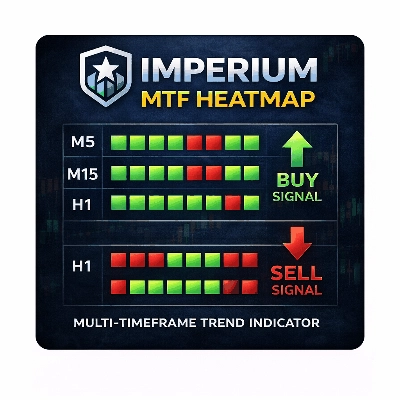
Imperium MTF Heatmap is a unique top-tier indicator for cTrader, created for traders who want more than signals
Indicator
NAS100
Indices
+10
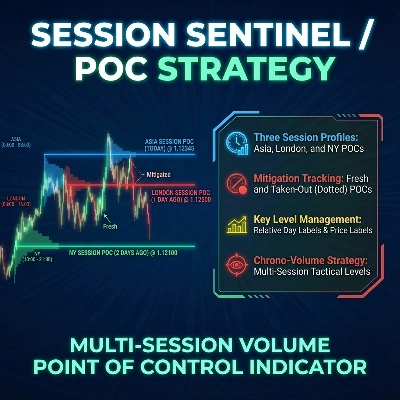
Session POC levels for Asia, London & NY with mitigation tracking for precise liquidity-based trading.
Indicator
NAS100
NZDUSD
+27
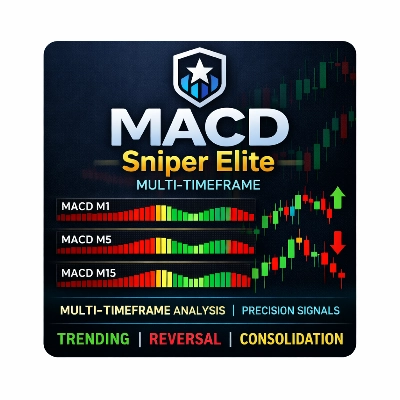
MACD Sniper Elite Multi-Timeframe/ Spot trend strength across multiple timeframes with sniper-level clarity.
Indicator
NAS100
NZDUSD
+12
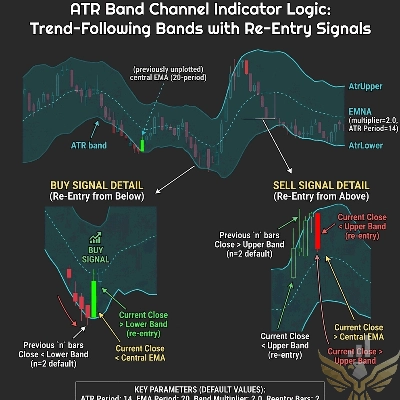
ATR Band Channel – Spot high-probability reversals when price snaps back inside dynamic ATR bands. Built for precision.
Indicator
XAUUSD
Commodities
+2
HTF POWER 3 ICT Power of 3 · M1 Precision · H4 Intelligence Auto-detect Accumulation → Manipulation → Distribution
Indicator
NZDUSD
XAUUSD
+4
PSP is a professional-grade trading tool built to detect candle-level SMT divergence between correlated markets
Indicator
Grid
NAS100
+18
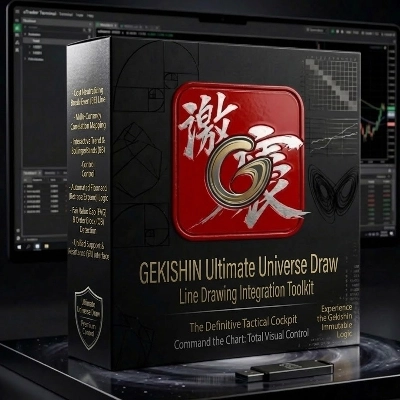
Command your chart with GEKISHIN Ultimate Universe Draw. One- touch MA, BB, and Fibo. Full-sync BE.
Indicator
NAS100
NZDUSD
+13
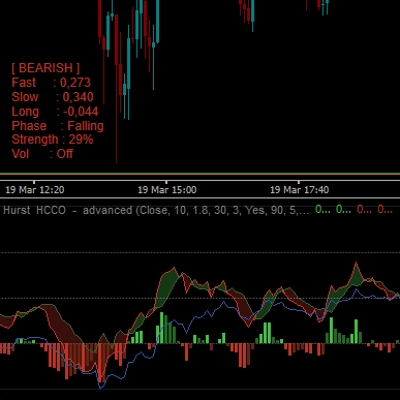
Hurst HCCO Advanced / Cycle Phase Detection / Volatility Filter / Info Table / Momentum Histogram
Indicator
NAS100
NZDUSD
+15
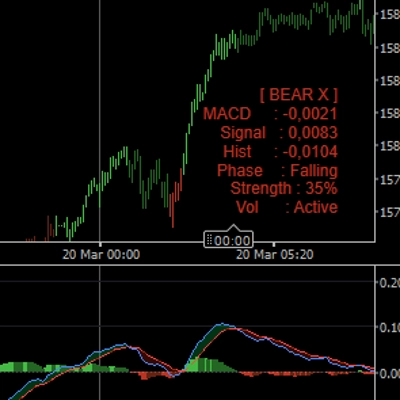
MACD Advanced -- It combines the standard MACD logic with a rich set of visual tools
Indicator
NAS100
RSI
+14
Intelligent Adaptive RSI Pro that adapts to trend and volatility. Accurate signals on any timeframe. +8 unique outputs.
Indicator
NAS100
Breakout
+11
Sessions PRO is a professional session visualization indicator - 4 Fully Customizable Sessions
Indicator
NAS100
Indices
+10
Premium FTMO-ready dashboard. Spots exact reversals, filters fakeouts, and gives precise Price Action entry levels.
11.64M
Traded volume
165.2K
Pips won
42
Sales
4K
Free installs